For IT and MSPs
Easy for users. Under control for you.
One console for all your customers, a help desk with the right tools, and an install that goes through your RMM.
Console and directories
Multi-tenant console
MSPs manage all their customers in one console; each customer sees only their own.
Directories
Active Directory, Entra ID, Microsoft 365 sync and cloud accounts.
Device policy
Open, first use or approval required, per customer.
Email notices
Users get an email when an app or a key is added to their account.
A help desk that can help
The common cases are solved in a minute and in plain words.
Temporary access codes
A 10-digit code for the user who is locked out.
Reset Secret Squares
Or let users do it themselves with an emailed code.
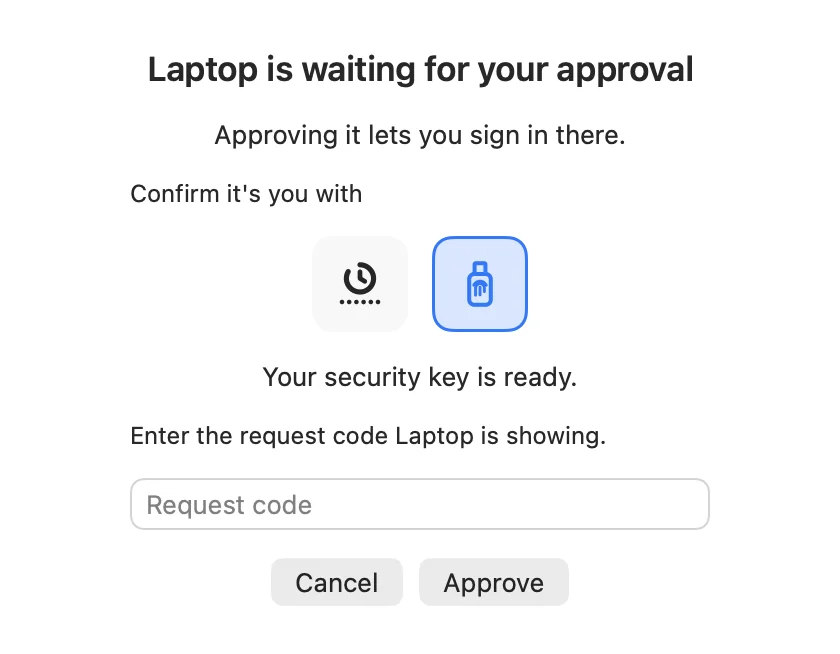
Approve devices
Approve a new computer or browser for a user.
Lockout control
See and control lockouts.
Activity log
Written in plain words, so everyone can read it.
Self-service for users
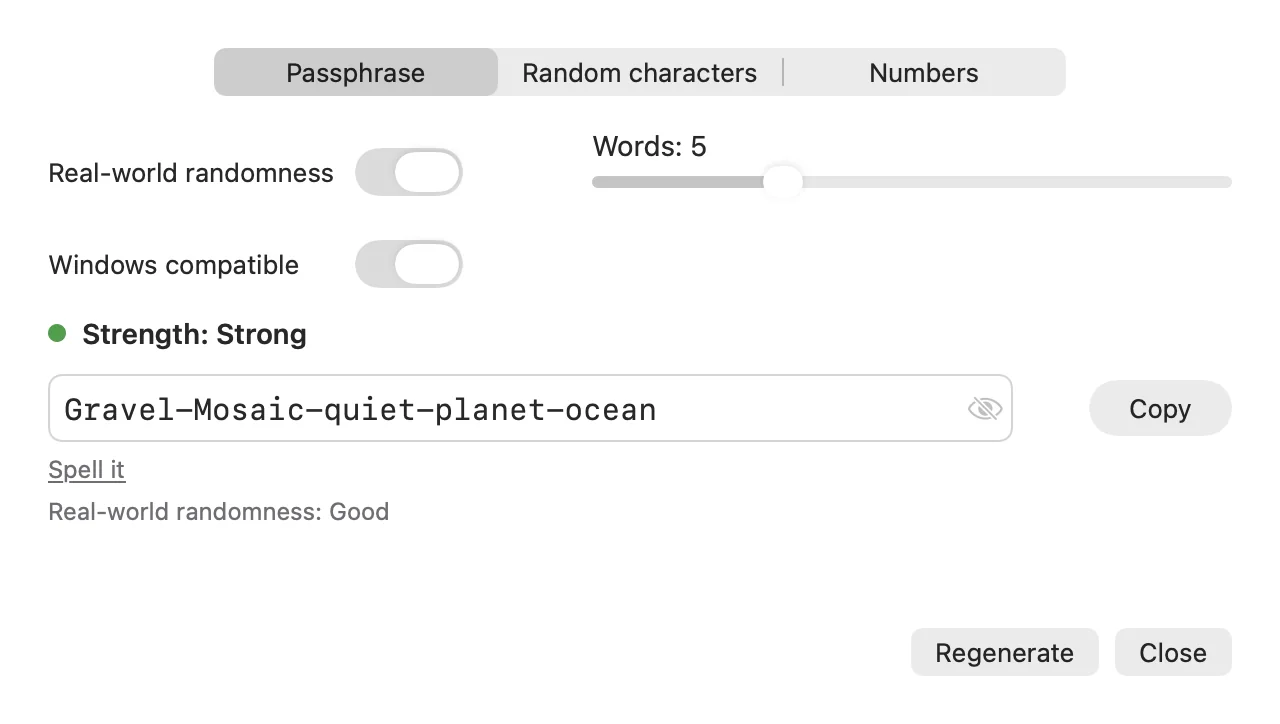
The tray app on Windows and the menu bar app on the Mac take work off the help desk.
- Change Secret Squares
- Change password, with expiry warnings and forced changes
- Generate a password: passphrase, random characters or PIN
- Add and remove authenticator apps and keys under "Your devices"
- Password Protector: breached-password check, also live while typing
Deployment
One-step install
With an enrolment key. Silent install for RMM tools, MSP agent enrolment, and MDM profiles for Mac.
Your own branding
MSPs can show their logo, colour and help-desk details. The product then appears as "<MSP> MFA".
Hosting
A hosted service, or an MSP can operate the API with its own data store.
Recovery
By emailed code to a separate recovery address.
Licences
Choose what you need. Prices on request from Falcon Secure.
Lite
Secret Squares for Windows and Mac. Authenticator apps.
Pro
Everything in Lite plus identity provider and single sign-on, security keys and web sign-in.
Password Protector
Add-on: breached-password check.
Rolled out in three steps
This is how an optimal rollout of Twin Verify works. Twin Verify is available from Falcon Secure and its MSP partners.
Preparation
Talk with your users about how signing in will work from now on. Explain the security benefits with examples. Start by testing with one user.
Rollout with Falcon Secure
Falcon Secure and its MSP partners roll Twin Verify out to your selected users: one install step with an enrolment key, or silent through your RMM.
Technical support
If a problem still comes up, Falcon Secure and your MSP partner support you.
 (opens in a new tab)
Available through Falcon Secure and its MSP partners
Twin Verify is available from Falcon Secure, the IT security platform for MSPs, and from its MSP partners. If you wish, we are on the phone during set-up so that nothing can go wrong.
Ready for a sign-in people do not work around?
Tell us about your organisation and we will show you how Twin Verify fits. Write to us or call us.